Digital Fabric Printing Software
Software is what turns an artwork file into a printable fabric design. This guide explains the CAD, repeat, coloring and RIP tools behind digital textile printing, and keeps the software providers the original directory listed.
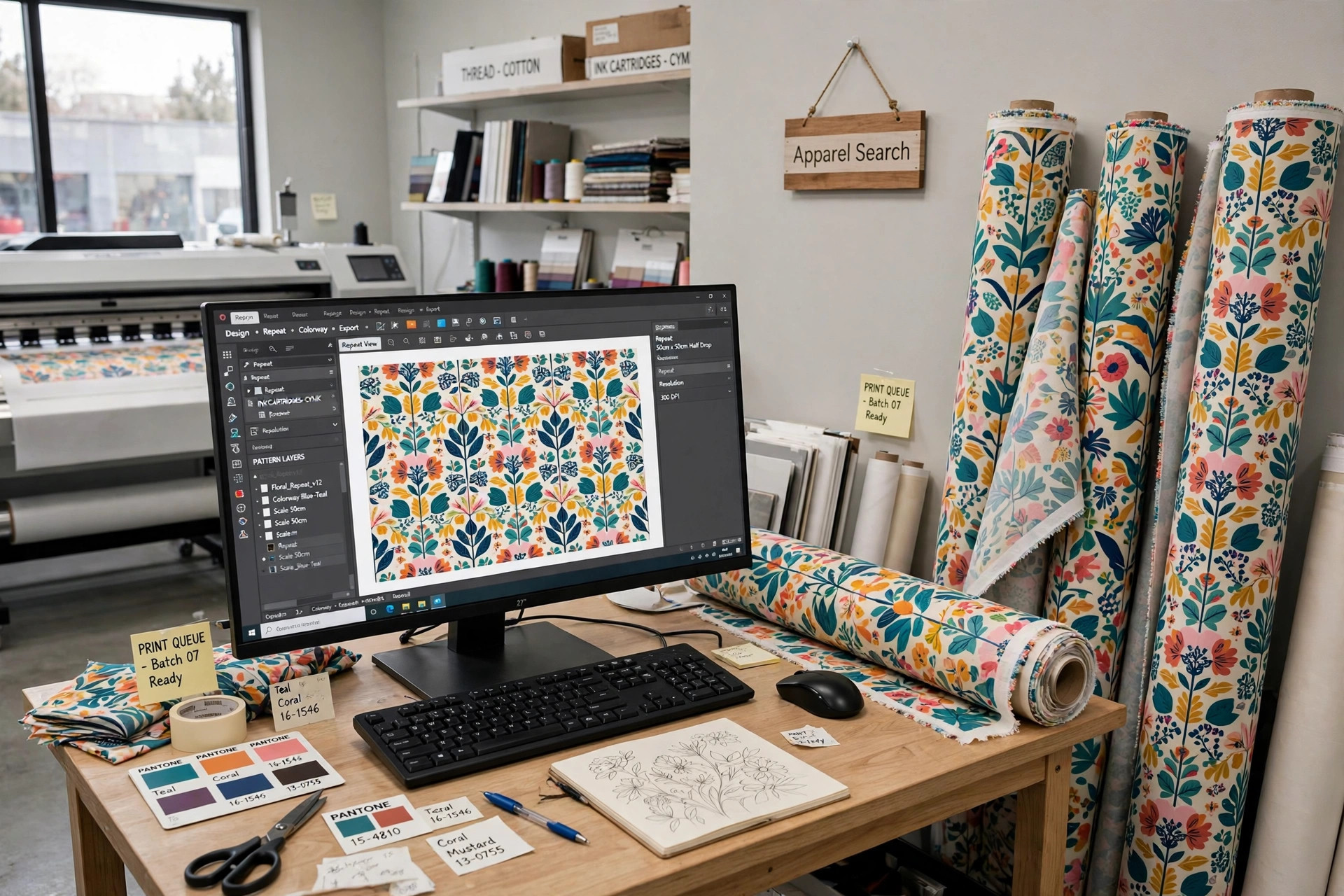
What Digital Printing Software Actually Does
Digital fabric printing separates the creative work from the printing work, and software sits in the middle of both. On the creative side, textile CAD tools let a designer build a motif, put it into a clean repeat, and try colorways without printing a single yard. On the production side, a RIP, short for raster image processor, translates that finished file into the droplet instructions a printer actually follows, managing resolution, ink limits and the order in which colors are laid down.
That division matters because a design that looks perfect on screen can still fail on cloth. Fabric absorbs ink differently from paper, fine lines can fill in, and deep shades can flood a lightweight ground. Good software anticipates those problems with textile-specific profiles, step-and-repeat tools that hide seams, and previews that simulate how a design will sit across the full width of the cloth rather than in one small tile.
Design, Repeat and Coloring Tools
The design stage usually starts with artwork from a scanner, a drawing program or a photograph. Textile CAD software cleans that artwork, reduces it to a manageable number of flat colors when the job calls for it, and builds the repeat: half-drop, brick, mirror or simple block layouts that decide how the motif flows across a garment. A faulty repeat is one of the most visible errors in printed fabric, so the tools for checking joins and edges are among the most valuable in the package.
Coloring tools are the other half of the creative package. Instead of reprinting strike-offs for every idea, a designer can hold one design and spin it through dozens of colorways in an afternoon, matching shades to a seasonal palette or to a customer's existing range. The original directory's Digifab listing describes exactly this kind of package: CAD and RIP software covering design, repeat and coloring work for textile and graphic printing alike.
RIP Software and Long Yardage Runs
Once a design is approved, the RIP takes over. It converts the file at the printer's native resolution, applies the color profile for the specific fabric and ink set, and queues jobs so a long run prints in the right order without gaps. For long yardage runs the RIP has to work while the printer is already running, which is why the original Digifab description highlighted RIP-on-the-fly printing: the file is processed fast enough that production never waits on the computer.
RIP choices also affect ink cost, which is one of the largest expenses in digital printing. Nesting several designs across the width of the cloth, holding accurate ink limits, and reprinting a damaged section without restarting a whole roll all save real money. When you compare software, ask how it handles reprints, how it reports ink consumption per job, and whether its profiles cover the fabrics you actually print, from cotton lawn to heavy canvas.
Choosing Software and Support
All American Manufacturing & Supply Company, a leader in the printing industry since 1985 in the original directory's description, illustrates the other route to software: buying it from the company that supplies your printers and equipment. All American specializes in digital printing, direct-to-garment printing, pad printing, screen printing and heat transfer, and provides digital printers, equipment and related software together, which can make training and troubleshooting simpler because one supplier knows the whole setup.
Whichever route you take, software should be judged alongside the wider trade. The fashion software guide on Apparel Search covers the broader world of apparel industry software, from design and pattern tools to production systems, and is a useful next stop. Match the package to your printer model, your fabric range and your repeat sizes first, then to price, and insist on a demonstration using one of your own artwork files before you commit.
Listings in This Directory
The listings below are the ones the original Apparel Search directory carried on this page, kept with their original descriptions in brief.
All American Manufacturing & Supply Company
A leader in the printing industry since 1985, specializing in digital printing, direct-to-garment printing, pad printing, screen printing and heat transfer, and providing digital printers, equipment and related software.
Digifab
CAD and RIP software for textile and graphic printing, covering design, repeat and coloring, with RIP-on-the-fly printing for long yardage runs.
Common Questions
What is RIP software in fabric printing?
The RIP converts a finished design file into the instructions a digital printer follows, handling resolution, color profiles for the fabric and ink set, and job order. A fast RIP can process files while printing continues, which matters on long yardage runs.
What does textile CAD software do?
It builds and cleans artwork, puts motifs into accurate repeats, checks the joins where the repeat tiles meet, and generates colorways so a design can be reviewed in many color combinations before any fabric is printed.
Should software come from my printer supplier?
It can be simpler. A supplier that provides printers, equipment and software together knows the whole setup, which helps with training and troubleshooting. Either way, test the package with your own artwork and fabrics before buying.
More to Explore
References & Further Reading
Looking for Fabric Mills and Suppliers?
For the wider world of mills, suppliers and fabric types, continue to the Apparel Search fabric directory and the Fabric Search hub.