Amazon Widget Example
A Shopping Widget for Fashion · Clothing Products Inside a Web Page
Shop for fashion on Amazon is the promise a shopping widget makes in miniature. In computing, a web widget is a software widget for the web: a small application with limited functionality that can be installed and executed within a web page by an end user. A widget has the role of a transient or auxiliary application — it occupies a portion of a webpage and does something useful with information fetched from other websites and displayed in place. Widgets often take the form of on-screen devices such as clocks, event countdowns, auction tickers or stock market tickers — or something fashion relevant, like a panel of clothing products that stays current by itself.
This page explains the shopping member of that family: the Amazon fashion widget, a stand-alone application that could be embedded into third-party sites by any user on a page where they had rights of authorship, such as a webpage on a fashion blog. A blog or boutique site could show live fashion products inside its own layout while the catalogue, prices and availability were maintained elsewhere. Learn about fashion, clothing and apparel from Apparel Search — and read on for how the shopping widget worked and where its job is done today.
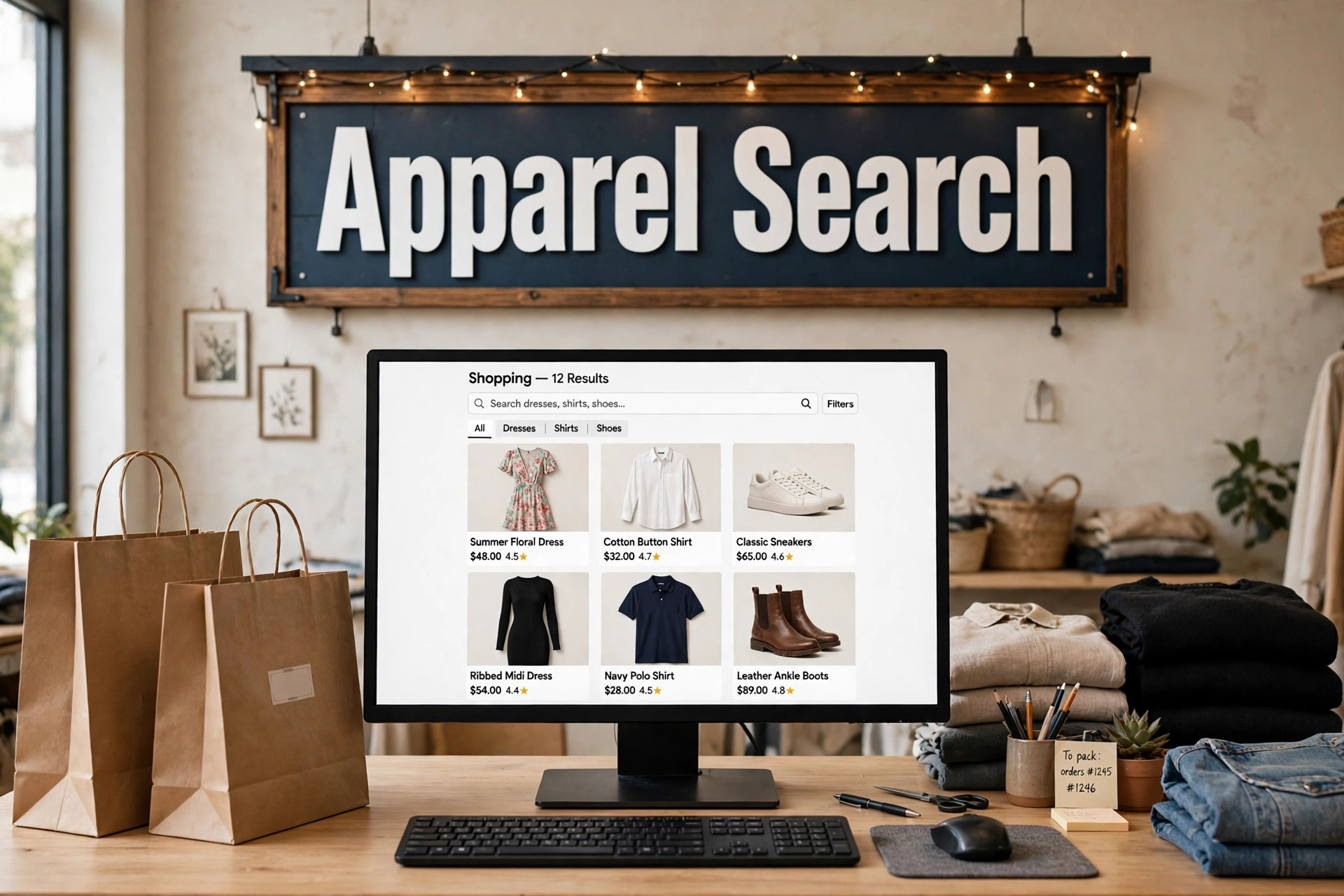
How a Shopping Widget Worked
The pattern was simple, which is why it spread. A marketplace supplied a small block of code; the page owner pasted it into a sidebar, a blog post or a shop page; and the block rendered as a self-contained panel of products — photographs, names and prices drawn live from the marketplace catalogue. When the catalogue changed, the panel changed with it, so a small site could look freshly stocked without anyone uploading new product pages by hand. The host page lent the widget its audience and its context: the same product panel meant one thing on a wedding-guest dressing guide and another on a workwear blog, and choosing products that genuinely matched the surrounding writing was the whole craft of using one well.
Why Fashion Blogs Liked Shopping Widgets
Fashion publishing runs on recommendation. A blogger writing about a trend has always wanted to show the thing itself, not only describe it, and a shopping widget made that possible before modern product embeds existed: the dress in the photograph could be followed, a panel later, by dresses a reader could actually buy. For readers, the appeal was convenience — the product sat beside the advice, sized to the page, instead of behind a chain of searches. For the sites hosting them, panels of products also kept pages looking active between posts. Those same instincts survive today in product cards, shop-the-look modules and curated storefront pages; the widget was simply the first widely copied form they took.
Amazon Clothing on Apparel Search
On Apparel Search, Amazon clothing is organised as guides rather than scattered widgets, so the product links live in one maintained place. Start with the Amazon Clothing Section on Apparel Search, then narrow by audience or browse the wider store directories:
- Amazon Women’s Clothing
- Amazon Men’s Clothing
- Amazon Children’s Clothing
- Amazon Boy’s Clothing
- Amazon Girls Clothing
- Clothing Stores
- Amazon Search
Widgets Then, Product Modules Now
The widget era ended for practical reasons. Panels loaded from third parties could slow a page, break when a programme changed its terms, or vanish entirely when a platform closed — the fate of the SpringWidgets family described across this section. A guide page maintained by the publisher has none of those weaknesses: it loads fast, it can be checked, and its links can be repaired in one place when a programme changes. That is the approach taken here. The shopping widget remains worth understanding because its core idea — meet the reader at the moment of interest, with the product beside the advice — still shapes how fashion is sold online; only the machinery underneath it has changed.
Common Questions
What is an Amazon widget?
An Amazon widget was a small shopping application that a website or blog owner could embed in a page: it displayed fashion products drawn live from the Amazon catalogue — photographs, names and prices — inside the host page, and updated itself as the catalogue changed. It is the shopping member of the web widget family.
Where is Amazon clothing on Apparel Search?
In the Amazon clothing guides: the Amazon Clothing Section on Apparel Search leads to Amazon women's clothing, men's clothing and children's clothing guides, plus boys' and girls' clothing pages. Keeping the product links on guide pages means they are maintained in one place.
Why do shopping widgets matter if the code era has passed?
Because the idea outlived the code. Showing a relevant product beside the advice that recommends it — the widget's whole purpose — is now done with product cards, shop-the-look modules and curated guide pages. Understanding widgets explains where those modern formats came from.