Add Fashion Gadgets to Your Website
A guide to adding fashion gadgets to a fashion website for fashion webmasters and bloggers.
When Apparel Search offered its fashion gadgets for iGoogle, this page was the invitation to fashion webmasters: take the script, paste it into your website, and a panel of live fashion content — news, designer updates, job listings or search — would appear on your pages and keep itself current from Apparel Search feeds. The offer was aimed at fashion blogs, fashion directories, fashion guides, fashion portals and any other fashion-relevant website that wanted fresh content without daily editing.
The invitation is now historical. Google retired iGoogle on November 1, 2013, the gadgets stopped working, and the links to the gadget code were removed after that date. This page remains as the record of how the embedding offer worked, and it points webmasters to the Apparel Search services — fashion widgets, fashion RSS feeds and the add-search options — that cover similar ground today.
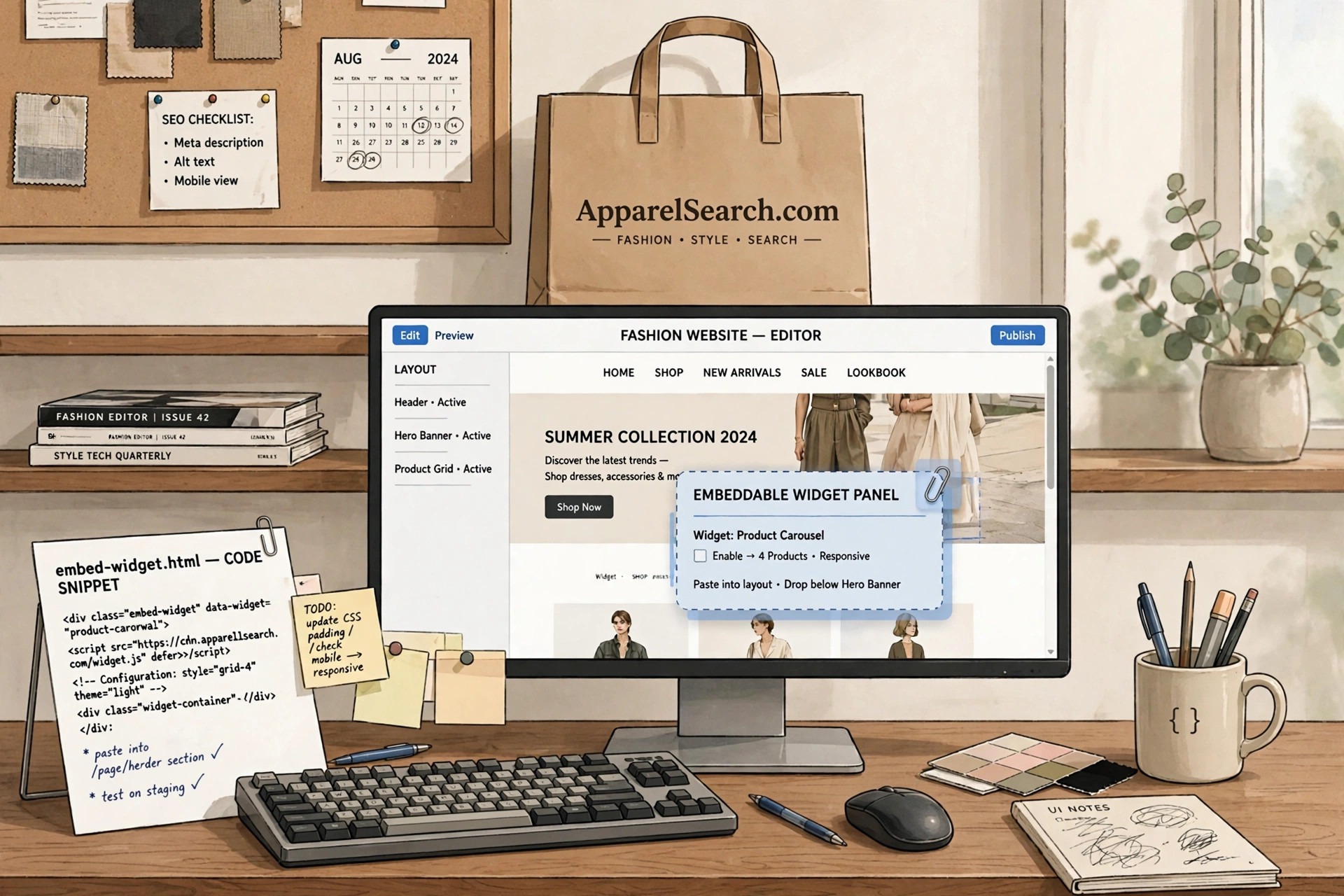
How Embedding Worked
The process was deliberately simple, because its audience was bloggers and small-site owners rather than professional developers. A webmaster chose a gadget from the fashion gadgets directory, copied the short script Apparel Search provided for it, and pasted the script into the HTML of a page or a sidebar template. From then on the gadget loaded with the page, fetched its content from the Apparel Search feeds behind it, and displayed whatever was current — new headlines, new listings, new designer news — with no further work from the site owner. One paste bought a permanently updating feature.
What Webmasters Were Told Up Front
The offer came with an unusually plain warning, repeated across the gadget pages: Apparel Search offered zero support for adding the script, and did not guarantee that the script would always work. The gadgets had been built with the Google Gadgets API, they were provided as-is for webmasters to use at their own risk, and no responsibility was taken for what happened on someone else's site. That honesty turned out to be well judged: the risk that ended the program was not in the gadgets themselves but in the platform underneath them, which Google chose to close.
Where the Same Idea Lives Now
The personalized-homepage era ended, but syndication did not. Fashion sites still pull in outside content through RSS feeds, embeddable widgets, share tools and social panels, and Apparel Search maintains its own versions of each: the fashion RSS feeds carry headlines out to readers and other sites, the fashion widgets page covers the widget format, and the search pages explain how to put Apparel Search on your own fashion website. Webmasters who arrived here looking for the gadget code will find those pages the practical continuation of the same idea.
Choosing Where a Gadget Belonged
Placement decided whether an embedded gadget helped a page or hurt it. A news or jobs panel earned its place in a sidebar, where a reader's eye travels while an article loads; a wide, short gadget suited a footer or a dedicated resources page. Webmasters were choosing among fixed pixel sizes, so the practical skill was matching the panel to the column — a gadget squeezed into too narrow a space clipped its own headlines and looked broken, which is why the gadget pages took care to spell out each edition's width and height in pixels before anyone copied a line of code.
Common Questions
How did a webmaster add a fashion gadget to a site?
By copying a short script provided for the chosen gadget and pasting it into the page or sidebar template. The gadget then loaded with the page and updated itself from Apparel Search feeds, with no further editing needed.
Was support offered for the gadget code?
No. The gadgets were offered exactly as they were, with zero support and no guarantee that the script would always work — webmasters used the code at their own risk, as the gadget pages stated plainly.
Why is the gadget code no longer available?
The gadgets ran on Google's iGoogle service, which was retired on November 1, 2013. Once the platform closed, the gadgets could not work, and the links to the code were removed after that date.