Start With the Machine
The Work Bag Is Built Around One Measurement
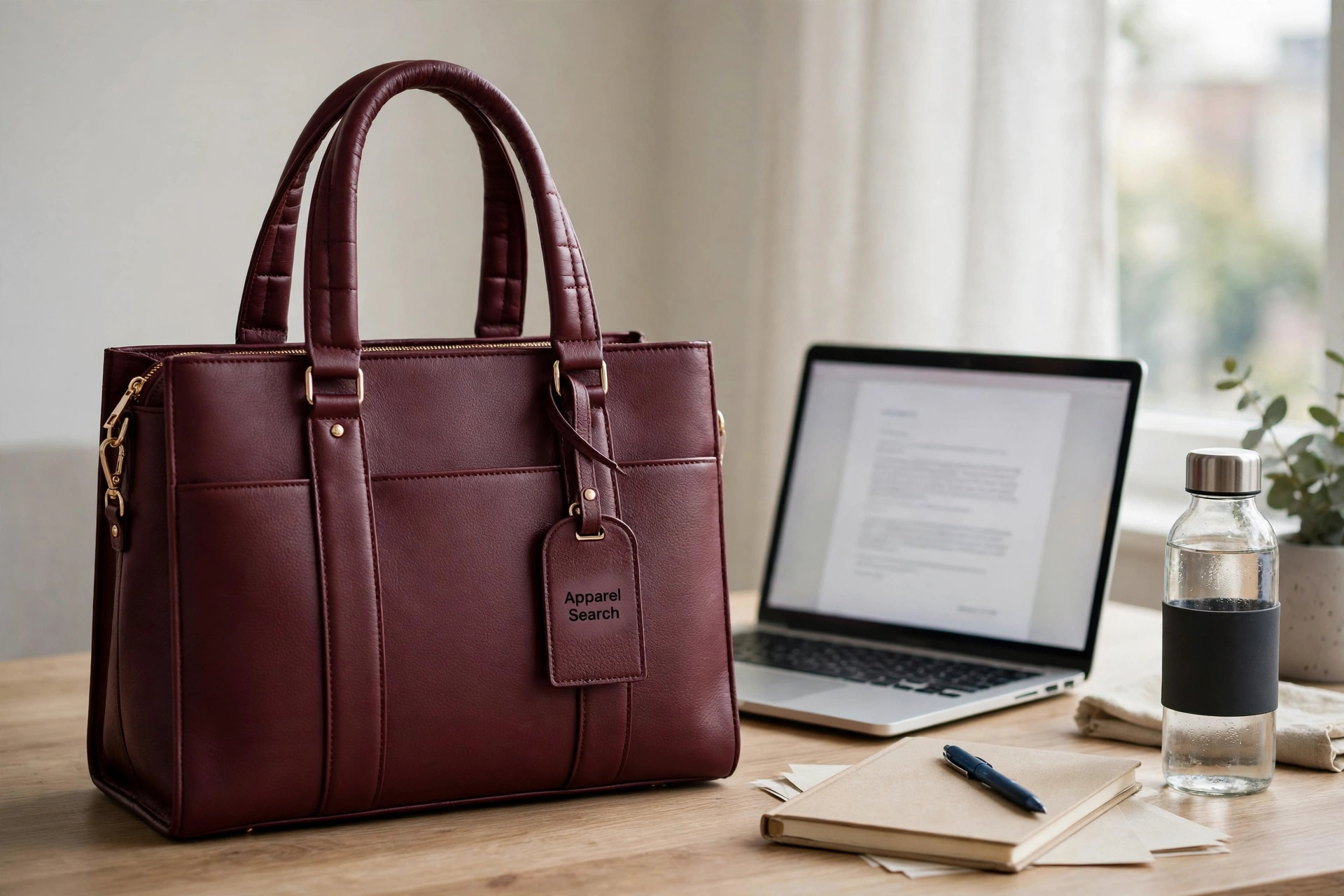
A women’s laptop bag has two jobs that pull against each other: protect a computer like equipment, and carry like a handbag. The bags that do both are chosen by measurement first — a beautiful bag half an inch too small for your laptop is not a work bag at all, just an expensive way to carry everything except the computer.
This guide works through the checks in order: fit, padding, carry comfort, structure, materials and security. The companion women’s tote bags guide covers the carry-all shape many work bags are built on.
Search Apparel Search
Fit
Internal Dimensions Beat Screen Size Every Time
Laptops are sold by screen diagonal — 13, 15 or 16 inches — but two machines with the same screen can differ by an inch in width and half an inch in thickness. That is why honest bags publish the compartment’s internal dimensions. Measure your machine’s width, depth and thickness, including any shell or case, and compare those numbers, not the screen label. Aim for a finger’s clearance each side: snug enough not to slide and strike a corner, loose enough to lift out one-handed.
Then test the rest of the load with the laptop in place — compartments steal space from each other, and a bag photographed empty hides it. If a bag type cannot tick a row in the table below, plan how that item travels instead.
| Fits inside? | Work tote | Structured laptop bag | Tote + sleeve |
|---|---|---|---|
| 13″ laptop | Yes | Yes | Yes |
| 15″ laptop | Usually | Yes | Check sleeve size |
| 16″ laptop | Rarely | Larger models | Rarely |
| Charger & cable | Loose — use a pouch | Yes, own pocket | Loose — use a pouch |
| Water bottle | Yes, upright risk | Sometimes | Yes, upright risk |
| Document folder | Yes | Yes | Yes |
| Flat shoes | Yes | Rarely | Yes |
Protection
Padding Where Drops Land, Not Where It Photographs
Protection lives at the base and corners, where drops land — yet many bags pad the two big flat faces thickly and leave the bottom thin. Press the base before buying: it should feel cushioned and firm. A suspended compartment, holding the laptop off the bag’s floor, is the strongest design. A separate padded sleeve inside an ordinary tote is a legitimate alternative — it protects well and moves between bags — but it needs that same base and corner padding, and the tote needs enough structure to stop the machine flexing against everything else inside.
Carry Comfort
Straps and Handles Decide the Commute
A loaded work bag easily reaches five kilos, and how it carries matters more than how it looks on a shelf. Handles should be rolled or padded, long enough for a forearm, and reinforced — they are the first failure point. For shoulder carry, look for a strap drop of about 9 to 11 inches so the bag clears your elbow, and width at the shoulder: a wide, lightly padded strap spreads weight a thin strap concentrates into one sore line. A detachable crossbody strap earns its place on station walks, and convertible designs with hidden backpack straps suit a commute that mixes train, pavement and office.
Shape & Weather
Structure vs Slouch, and Materials in the Rain
Structured bags stand on their own, keep files flat and read formal; soft, slouchy bags are lighter and read relaxed — but everything inside settles into a pile, laptop included. Many settle the argument with a structured base and softer sides. For materials: full-grain and coated leathers shrug off showers and wipe clean but add weight; nylon and other technical fabrics are the lightest and most weatherproof, and the natural choice for a wet commute; canvas needs a waterproof coating or a rain cover before it can be trusted with electronics. Whatever the shell, a zip top is what keeps a downpour out.
Security
Zips, Back Pockets and Quiet Defences
Security in a work bag is mostly geometry. A full zip closure beats a magnetic snap in crowds and keeps contents in when a bag tips under a train seat. A slip pocket against your back is the right home for a phone and travel card — reachable by you, awkward for anyone else. Inside, one zipped pocket for keys, cards and medication stops small valuables migrating to the bottom, and a light-coloured lining makes everything easier to find and account for at a glance.
Keep Reading
Three Guides That Complete the Picture
Before a leather work bag, read the women’s leather bags guide and the leather handbags guide on grades, weight and care.
Questions
Common Questions
How do I know if my laptop will fit a work bag?
Measure your laptop’s width, depth and thickness — with any case or shell you use — and compare those numbers with the bag’s stated internal or laptop-compartment dimensions, not its screen-size label. Allow roughly a finger’s width of clearance: snug enough that the machine does not slide and strike corners, loose enough to lift out one-handed.
Is a padded sleeve inside a tote as good as a built-in laptop compartment?
For most commutes, yes — a well-padded separate sleeve protects the machine and lets you move it between bags. A built-in compartment wins on organisation and on keeping the laptop held flat and still, but check that its padding covers the base and corners, where drops land, and not only the two flat faces.
What strap length is most comfortable for carrying a loaded work bag?
For shoulder carry, look for a drop — the distance from the top of the strap to the top of the bag — of about 9 to 11 inches, so the bag clears your elbow and sits against the ribs rather than under the arm. A wide, lightly padded strap spreads a heavy load better than a thin one, and a crossbody option helps on longer walks.